01
Private by design
Notification text, attachments and previews are encrypted before being written to private app storage. Android backup is disabled.
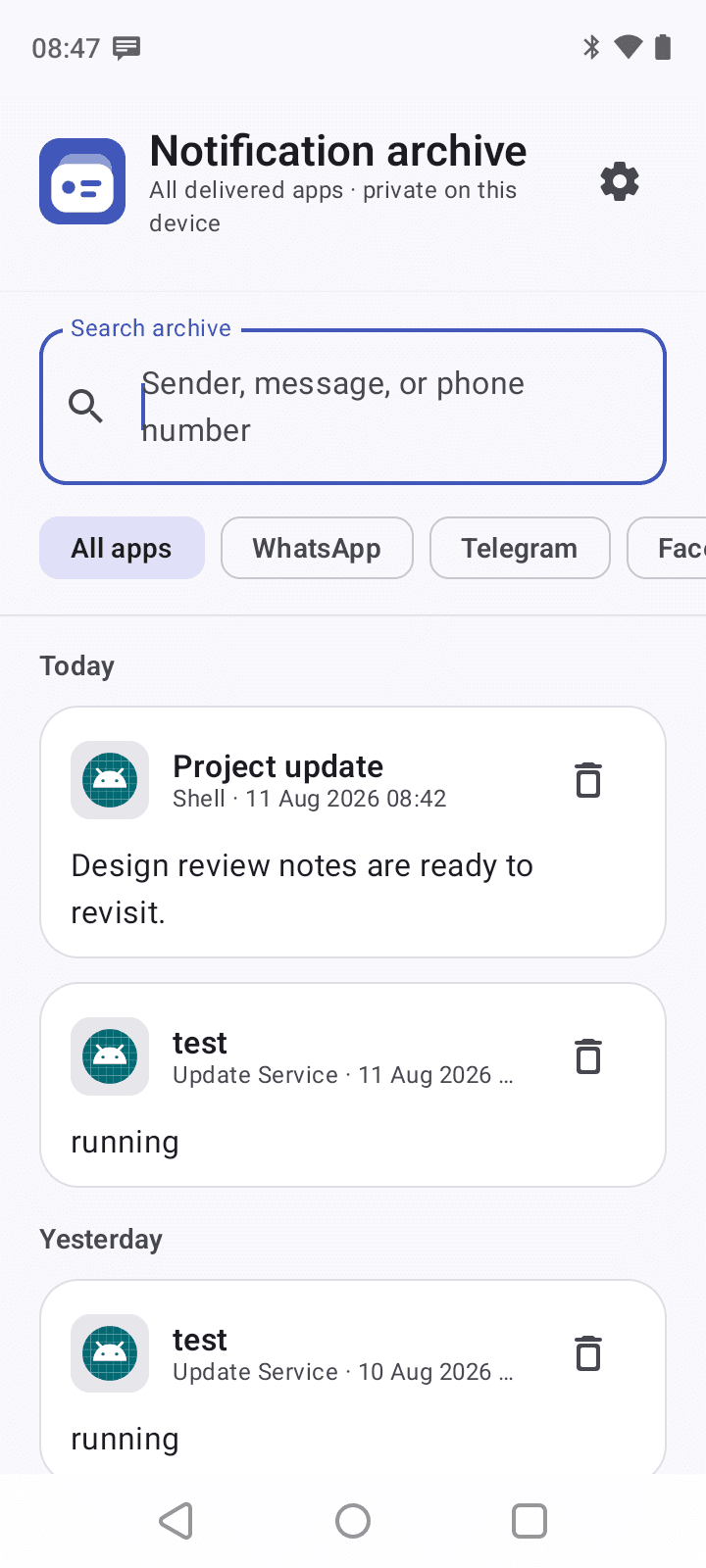
Enhanced Notification Manager creates a searchable, encrypted archive from notifications Android delivers to your device—including readable previews and attachments Android permits it to copy.
Designed for trust
The app works only after a clear in-app disclosure and Android notification access. It cannot open another app's private database or retrieve media Android does not expose.
Notification text, attachments and previews are encrypted before being written to private app storage. Android backup is disabled.
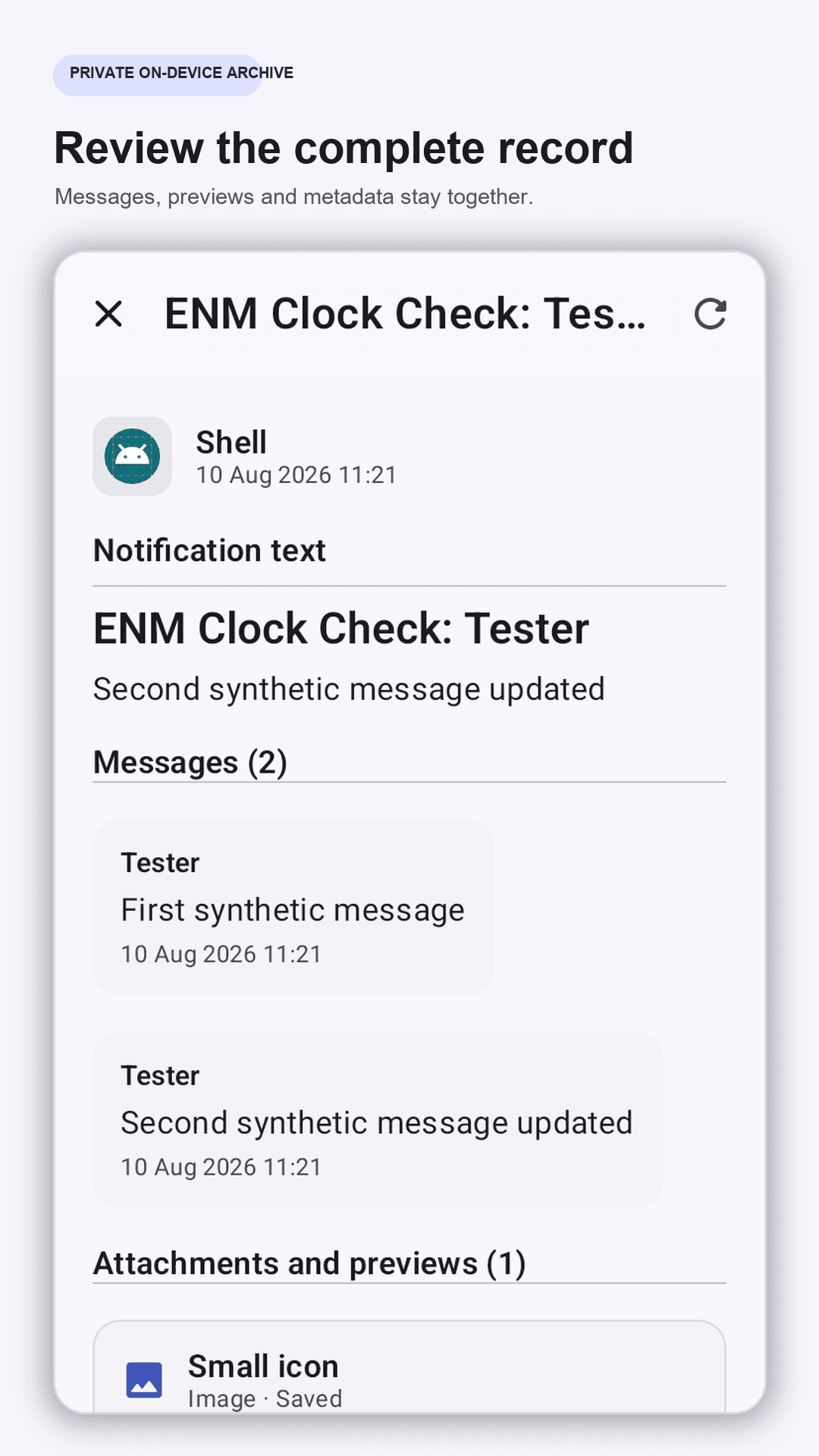
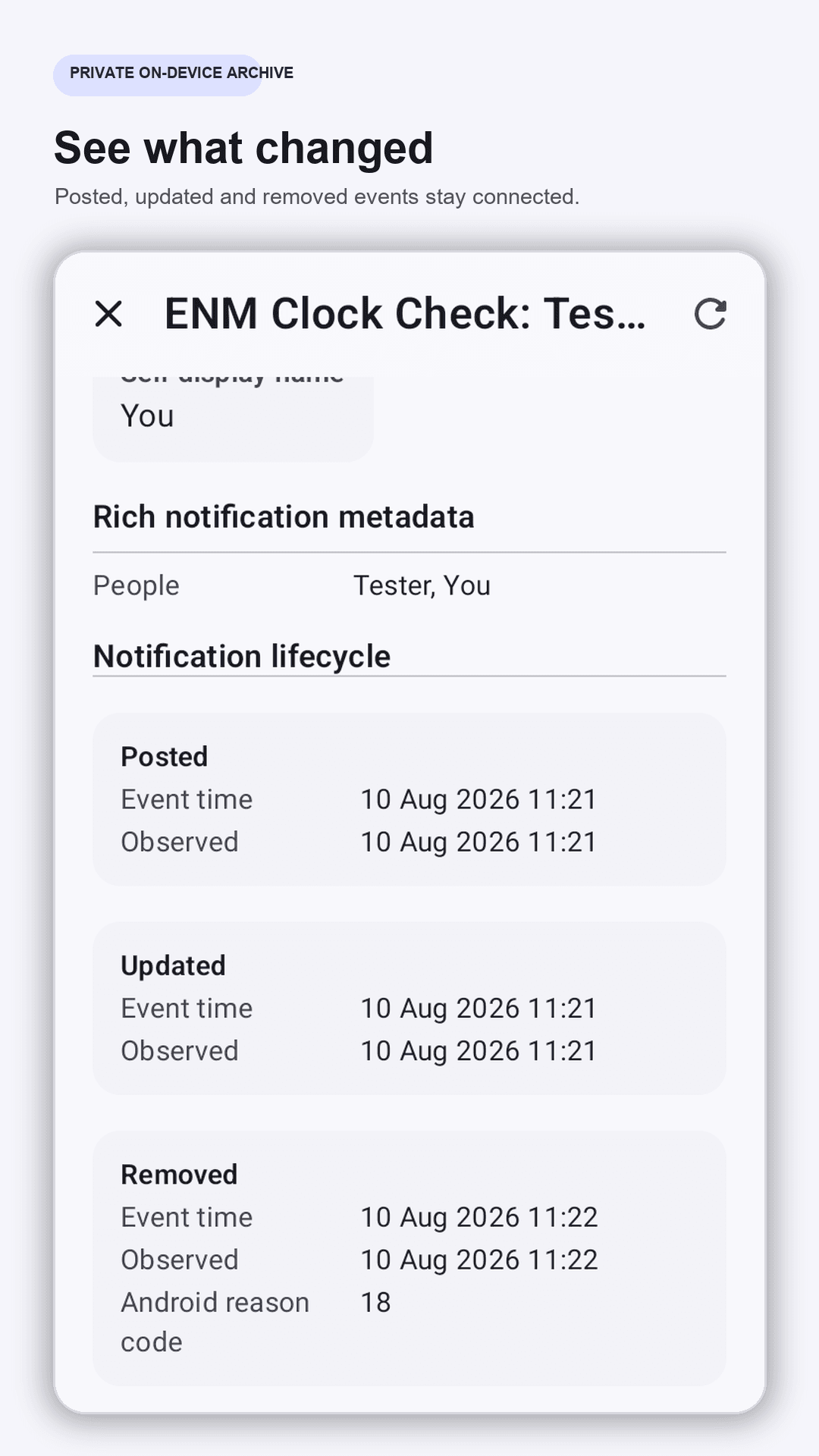
Review notification revisions, message history, lifecycle events and the distinct content, Android-posted and locally saved times.
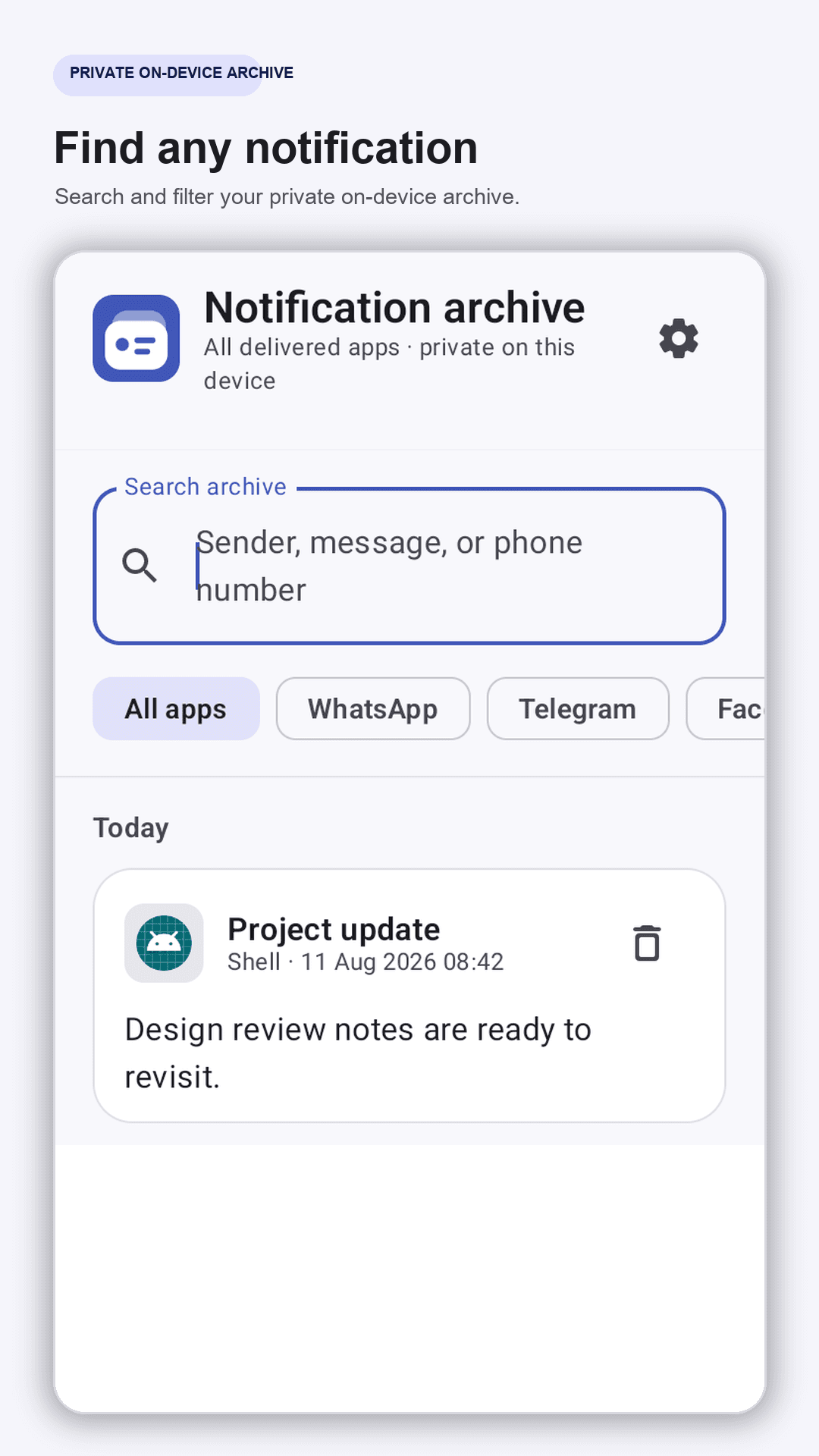
A keyed on-device search index helps you find archived content without storing searchable words as plaintext.
Save images, audio, video and files when Android exposes readable notification data, with clear status when it cannot.
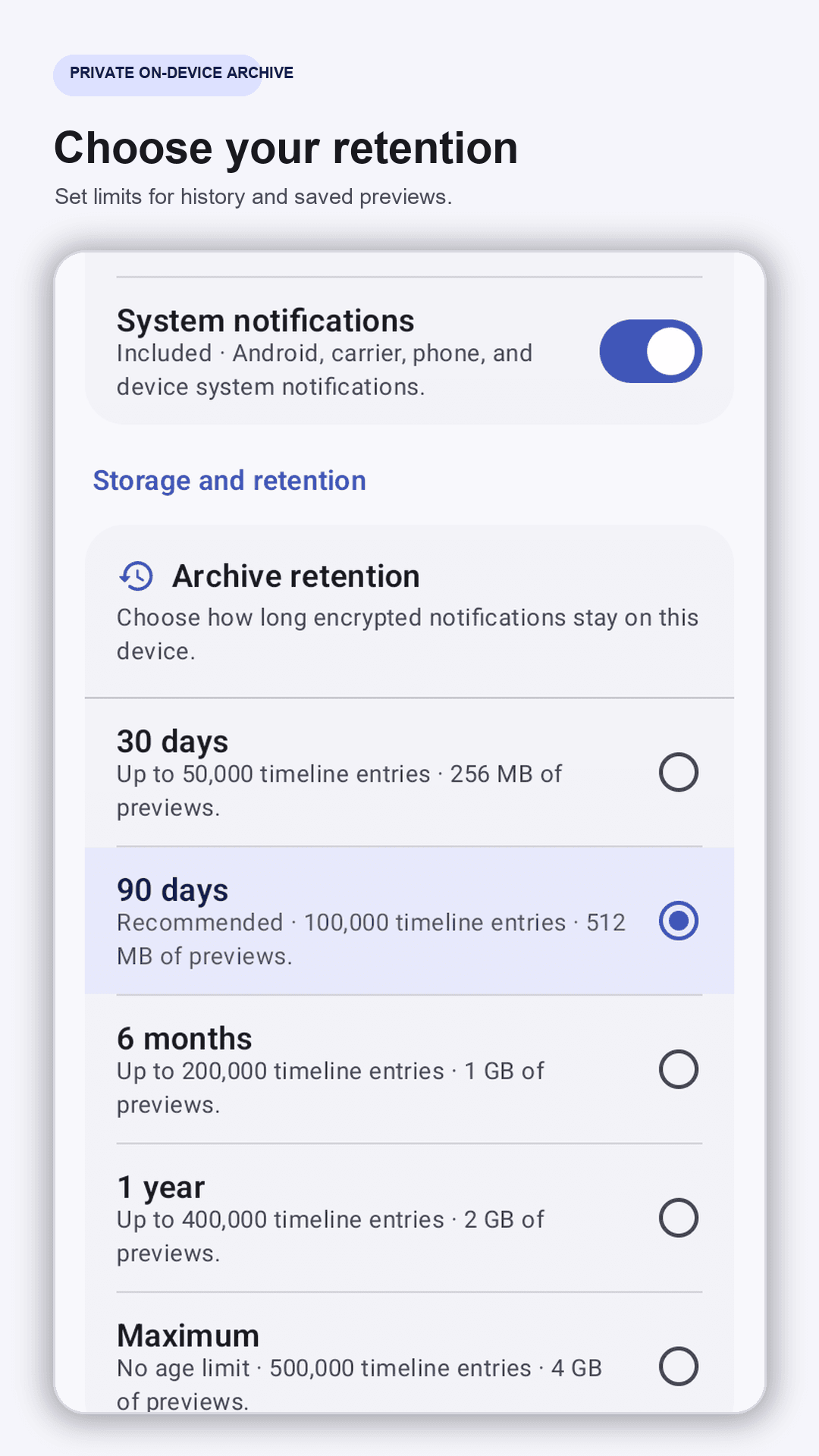
Choose retention from 30 days to Maximum, with bounded storage and timeline limits designed for long-running archives.
Reliable notification capture is not paywalled. Pro adds advanced export and removes ads when advertising is enabled.
Inside the app
Every example below is synthetic. Real notification content and phone numbers are never used in marketing screenshots.
How it works
The app explains what notification access permits, what it saves, and the platform limits before access is requested.
Android controls the listener permission. You can revoke it at any time in system settings.
Filter the archive, open complete revisions, review saved previews, and choose your retention limits.
Google Play release in progress
The Android release is currently moving through Google Play testing and review. This page will link directly to the public listing when availability begins.